A website builder can feel easy when someone else is giving the demo. Come back to your own draft the next day and see how long it takes to fix one sentence. Can you find the page, save the correction, and see it on your phone?
OnlineAffiliate.net may earn a commission if you make a qualifying purchase through our Wealthy Affiliate or AIOSEO referral links, at no extra cost to you.
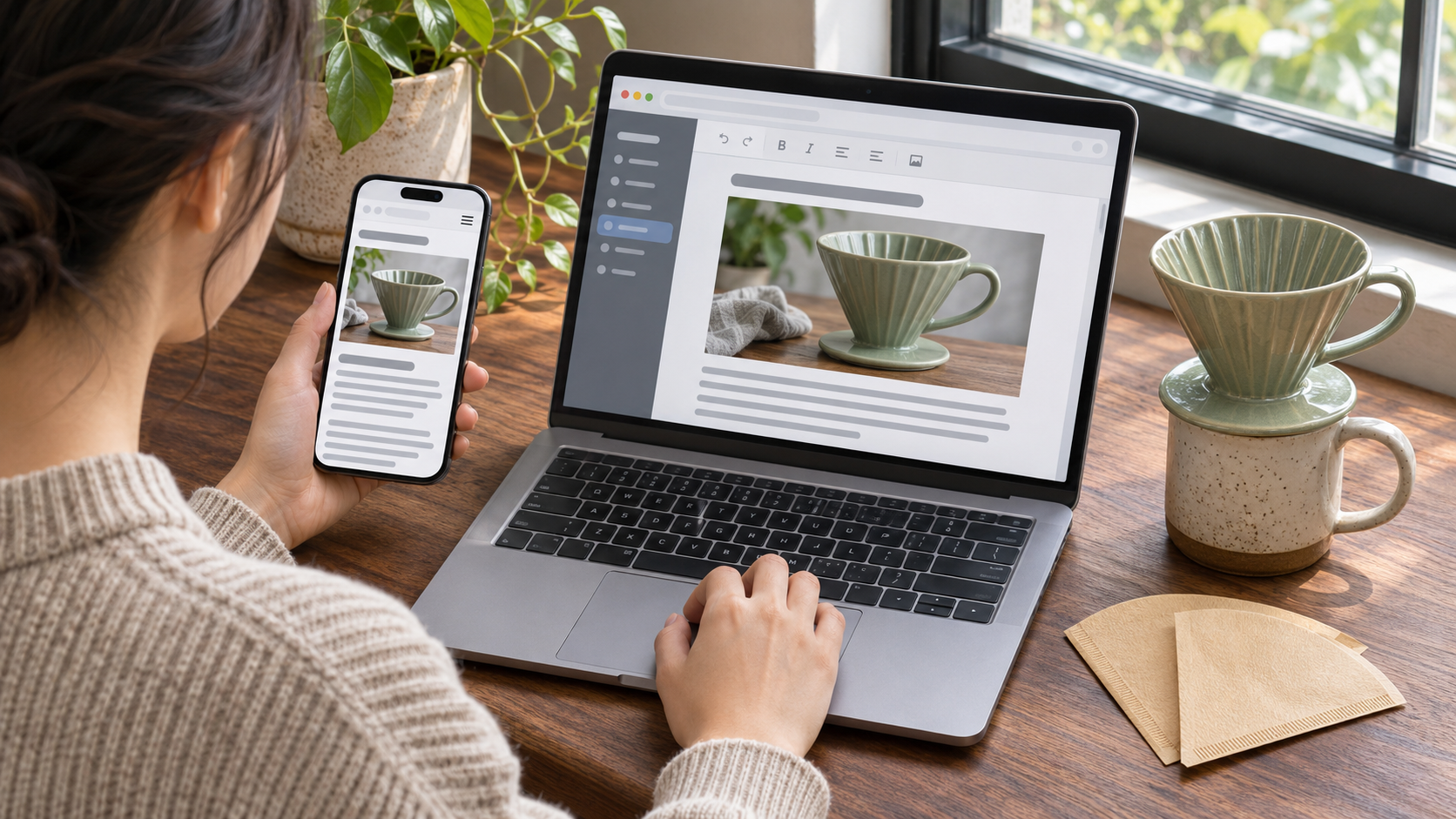
Give yourself a real edit to make
Picture a draft called Which Coffee Filter Fits My Pour-Over? Start with two short paragraphs, one photo you can use, and a link to the brewer’s filter guide. Keep a copy of that draft so every builder starts with the same material.
For the edit, change “A standard filter should fit” to “Match the filter shape and size to your brewer’s model number.” It’s the kind of correction you’ll make once you start publishing. If you need a topic of your own, start with our guide to writing your first useful affiliate page.
- Save a draft.
Add the title, text, photo with alt text, and link. Save it and leave the editor.
- Find it again and make the edit.
Start from the dashboard. Find the draft, change the sentence, and save it. Keep the existing URL if you’re editing a live page.
- Check the reader’s view.
Open your phone preview, or open the live URL in a private tab if you published it. Check the corrected sentence, photo, and link.
If your draft preview only works while signed in, use the builder’s mobile preview mode. Record which view you checked so you know whether public publishing still needs a test.
Compare three places to try it
Wealthy Affiliate Starter
Try this if you want a practice site and a guided starting point for an affiliate website.
Use the available training to find the editor, then see whether you can repeat the change on your own.
Self-hosted WordPress
Try this if you have WordPress access already or prefer to choose and manage your own setup.
Run the test with your actual theme and confirm who handles updates and backups.
Hosted drag-and-drop builder
Try this if you like editing directly on a visual layout.
Use its blog editor if you plan to publish articles, and check what your plan allows you to publish or export.
One optional WordPress check
If your WordPress setup supports plugins, All in One SEO (affiliate link) lets you set a separate SEO title and meta description. For the coffee draft, try Pour-Over Coffee Filters by Shape and Size as the SEO title and keep the question as the visible headline. See AIOSEO’s instructions for editing those fields.
Your website builder test planner
Set aside 15 minutes after you have access to the editor. Use the same draft and correction if you compare two builders. Copy your notes before leaving this page.
- Finished on your own
- Repeat the workflow on a second draft to see if it still feels easy.
- Needed help
- Save the steps you looked up and try the same edit again tomorrow.
- Hit a plan limit
- Find the lowest plan that covers the feature. Compare its renewal cost and export options before paying.
If you’re still deciding what your website should help people do, try the 7-Day Affiliate Fit Check planner. It starts with choosing a reader and a question for your draft.
Check your understanding
Pick your answer, then open each question to check it.
1. What’s a better builder test, picking a theme color or correcting a saved draft?
Correct the saved draft. Reopening it and checking the result tests a job you’ll do repeatedly.
2. Your draft looks good in mobile preview. Have you verified the public page?
You’ve verified the preview. To check public access, open the published URL while signed out.
3. You found the draft with help. How should you record that?
Mark it as needed help. Save the instructions and try again when the steps are less fresh.
4. You can edit easily. What should you check before paying for a year?
Check that the plan covers the features you’ll use, find out what it costs to renew, and ask what you can export.
Frequently asked questions
Do I need a domain name for this test?
A draft preview or a temporary site address is enough to try the editor. If publishing to your own domain matters, check which plan includes that option and how renewals work.
Should I make a page or a blog post?
Use a blog post if you plan to publish guides or reviews regularly. Test the editor you’ll use for your articles, including how you find a saved draft.
Can I run the whole test from my phone?
Try it if you expect to do most of your editing there. Check whether you can move between the dashboard, the editor, and the preview comfortably on your phone.
How can I tell whether I could move my content later?
Ask what the export includes and whether there’s a way to try it. WordPress can export posts and pages for import into another WordPress site. Ask separately how you’d move images and design settings. See the WordPress export guide.
Which part took you the longest?
Tell us in the comments which builder you tried and where you slowed down. If you found a quicker way to reopen your draft or check the update on a phone, share the step that helped.
