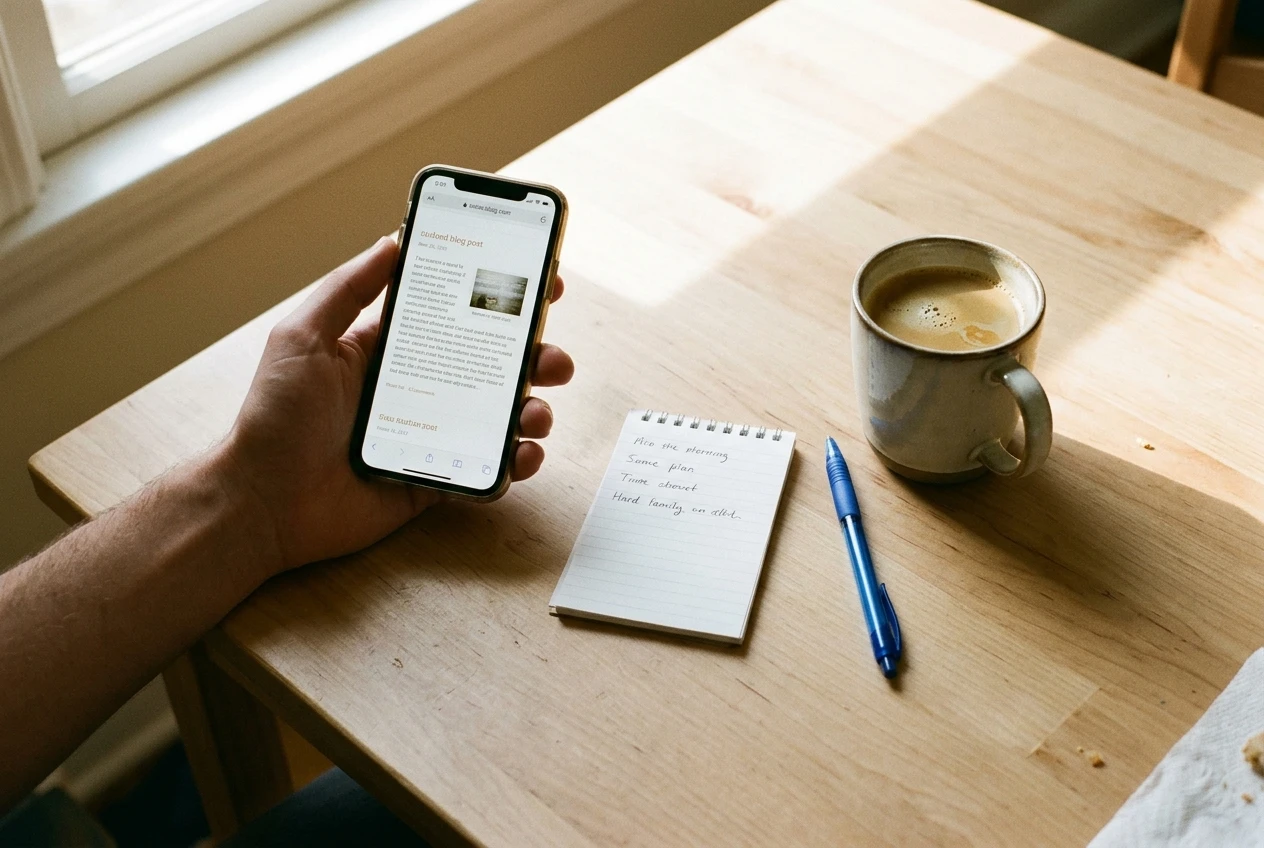
Open an old blog post on your phone. Where would a reader have to switch tabs to finish the job? Maybe you explain two products but never tell them what to measure before ordering. That’s the paragraph I’d bring to Wealthy Affiliate. See whether Starter helps you turn it into advice a reader can act on.
Quick answer
You can try Wealthy Affiliate without moving your website. Pick one published post you own and draft the edit you’d make yourself. Give the same excerpt and facts to Ace, Wealthy Affiliate’s planning assistant on Starter. Compare the two edits, then make the stronger one in your current editor.
Pick a post with one decision left hanging
Start with a post you know well enough to check the facts yourself. Look for a line like “Either option can work.” What would someone with a tight budget, limited space, or a deadline need to know before choosing? Pick a gap you can close in one paragraph.
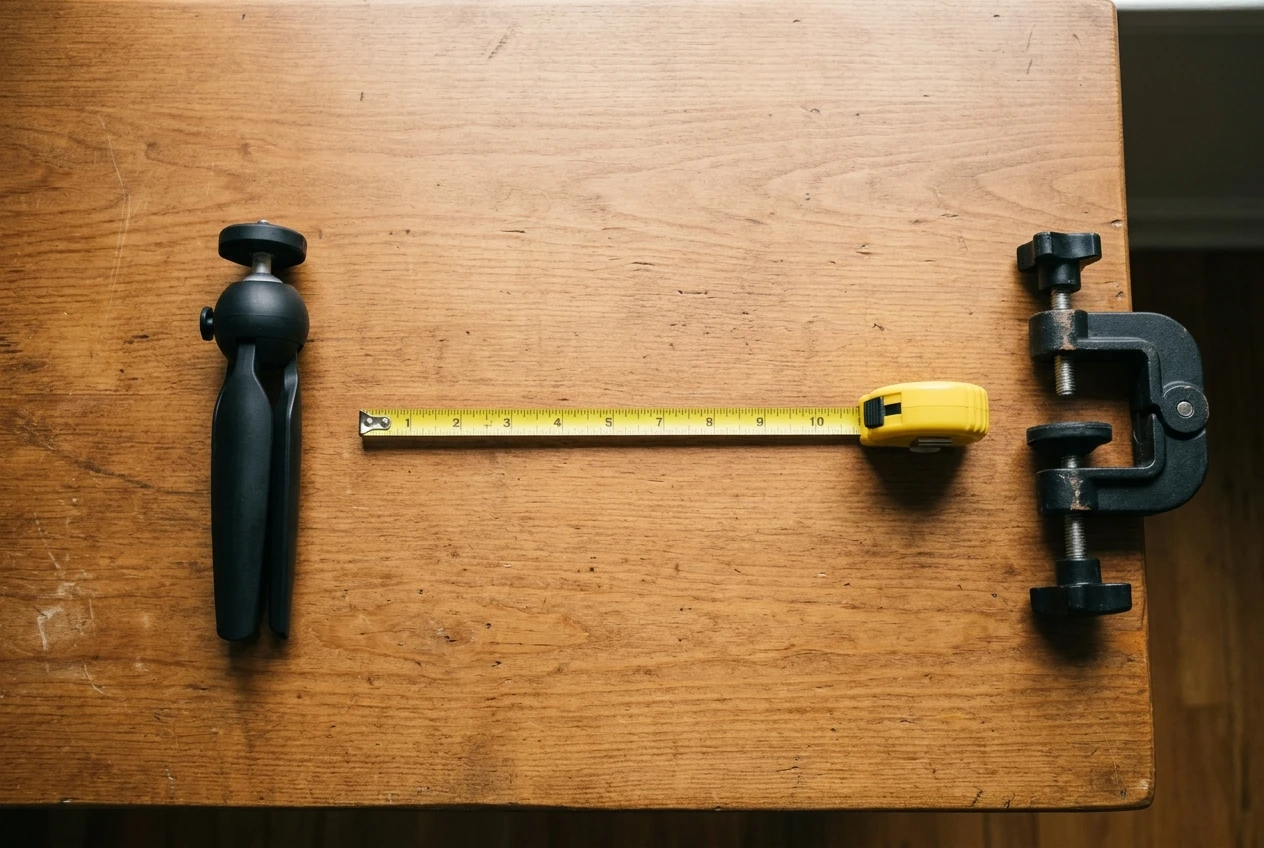
Say you wrote a guide to phone tripods for small desks. Your reader wants to film overhead and has eight inches of clear desk depth. What should they measure before choosing a tabletop tripod or a clamp mount?
Before the edit
“A tabletop tripod and a clamp mount both work for overhead videos.”
After the edit
“Open the tripod in the position you’ll film from and measure its footprint. If it needs more desk space than you have, check whether a clamp mount will fit. Measure the desk edge thickness and look underneath for anything that could block the clamp.”
The reader can do both checks with a tape measure. If you recommend a specific model, verify its dimensions and mounting requirements before naming it.
Fill in the one-post planner
Find the paragraph where the reader would have to stop and look something up. Copy these four lines into a note and fill them in before you open Starter.
- Post URL and excerpt. Save the URL for yourself and copy the paragraph where the reader gets stuck.
- Reader and decision. My reader has ___ and needs to choose, check, or do ___.
- Evidence I can use. I’ve measured, observed, or verified ___.
- My edit. I’d change ___ in the ___ section so the reader can ___.
Still looking for a post or a reader question? Start with the 7-Day Beginner Test planner. Use the first two days to choose a reader and a question, then bring those notes back here.
Give Wealthy Affiliate Starter the same editing job
Wealthy Affiliate lists Starter at $0 with no credit card required, 4,000 starter credits, and one practice site. Ace is its AI planning assistant. A short excerpt from your own public post and your planner notes are enough for this exercise. Check the current Starter features and limits.
Affiliate disclosure. If you purchase a qualifying membership or product through a link on this page, OnlineAffiliate.net may earn a commission at no extra cost to you. Read our full disclosure.
Try Wealthy Affiliate Starter free
In Starter, open Ace and give it the excerpt, the reader’s decision, and the evidence you have. Try this prompt.
“Here’s a paragraph from my blog post, the decision my reader needs to make, and the facts I’ve verified. Where does the paragraph leave the reader guessing? Suggest one edit and tell me exactly where you’d put it. Use the facts I’ve supplied. List any claim I’d still need to check.”
Set its suggestion beside your own. Which edit tells the reader what to do next? Can you verify each claim? Would the reader find the answer before reaching the product links? Include the time you spend checking claims when you decide which workflow helped.
For the tripod post, putting the desk-edge check ahead of the product list lets readers rule out mounts that won’t fit before they start shopping.
Compare three ways to make the edit
Your current editor
Use it when you already know what’s missing. Draft the fix and check that a reader can act on it.
Wealthy Affiliate Starter
Use it when you want a second pass on the reader’s decision or where to put the answer. Check each suggestion against your own notes.
Your WordPress SEO plugin
Use it when the updated article needs a clearer SEO title or meta description. Check that those fields describe what the page actually delivers.
If you already use All in One SEO, its post title and description guide shows where to make those edits. Use your current plugin if it covers the job. If you’re shopping for one, you can see All in One SEO’s features. OnlineAffiliate.net may earn a commission if you buy through that link.
Make the edit where your post already lives
Put the stronger edit into the original post at its existing URL. Preview it on your phone and start at the top of the section. Could you tell what to measure, check, or decide before you have to scroll past the recommendation?
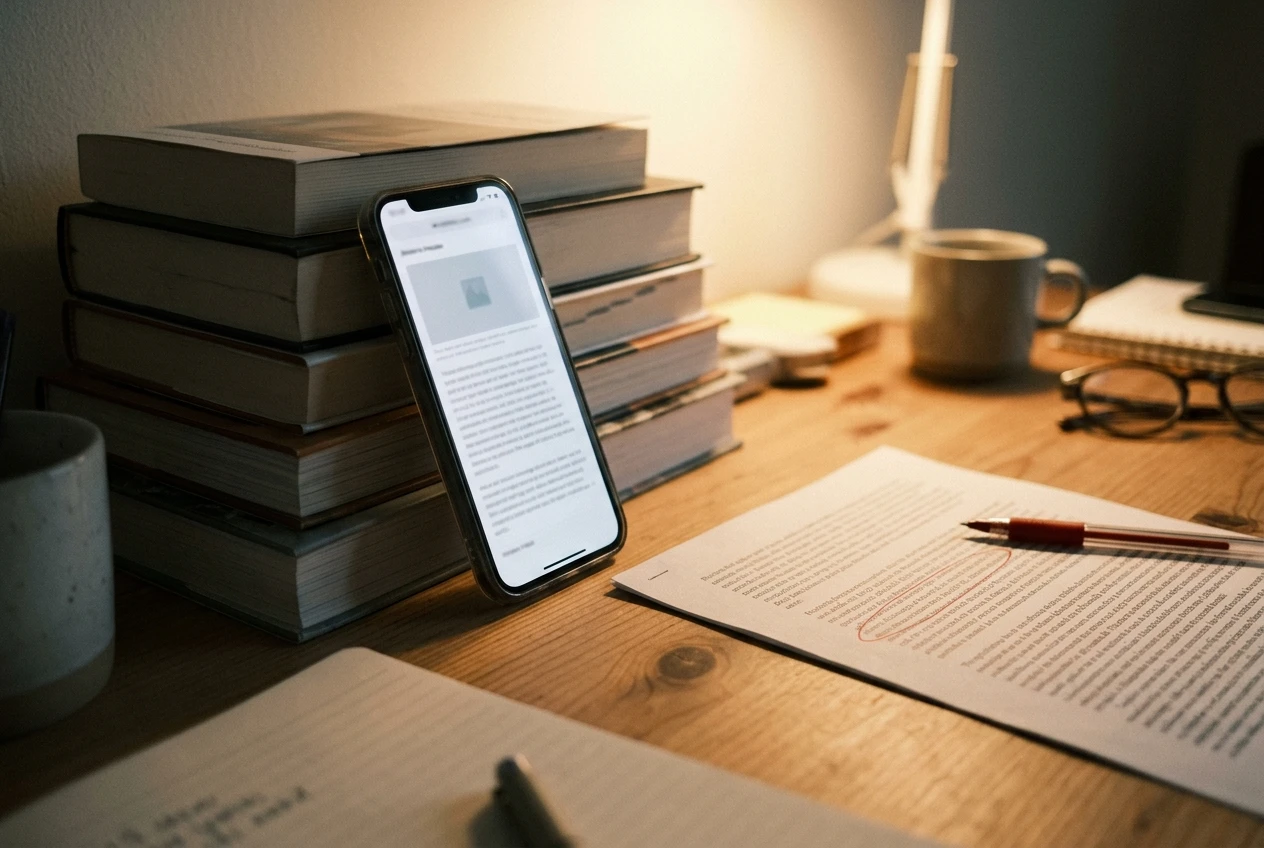
Write down one thing the guided pass improved and one thing you still had to do yourself. If the suggestions saved you time or caught a gap, take a second post through Starter. If your own edit was clearer or faster, you can keep using the workflow you already have.
If the rest of the article needs attention, run it through the affiliate content refresh checklist to review its facts, links, and opening.
Four questions to check your plan
Choose an answer, then open each question to check it.
1. Which post gives you a better test, a general introduction or an old comparison with a clear gap?
An old comparison with a clear gap. You can judge whether the edit helps the reader make the choice they came for.
2. Should you write your own edit before or after asking Ace?
Before. Your version gives you a fair baseline for judging what Ace added.
3. Ace suggests an exact clamp size you didn’t provide. Add it or verify it first?
Verify it first. Use a reliable product specification or a measurement you made yourself. Leave the number out if you can’t verify it.
4. Where does the final edit belong, on a new practice site or in the existing post?
In the existing post. That’s where readers already find the article, and you can make the update at the same URL.
Frequently asked questions
Can I try this if my blog is outside WordPress?
Yes. All you need for this exercise is a short excerpt from a post you own and an editor you can return to. Use the same planning brief and apply the edit in whatever platform you publish on.
Do I need to set up the Wealthy Affiliate practice site?
The practice site is optional for this exercise. Give Ace the excerpt and your notes, then review the suggestion in a document. The Wealthy Affiliate FAQ covers what to expect from Starter if you want to explore more of the platform.
Should I try this on my highest-traffic article?
Start with a post where you can spot and verify one small change. Save the original paragraph so you can compare the versions. Try the process on a more important page once you know what kind of edits it helps you make.
When would a paid Wealthy Affiliate plan make sense?
Look for a limit you repeatedly hit while doing work you’d continue. For instance, if you’re weighing an upgrade for more credits, estimate how often you’ll use them and compare the recurring cost with the time or effort the tool saves.
Which post would you bring?
In the comments, share your post topic, who it helps, and the decision your reader still has to make. “Beginners with eight inches of clear desk space deciding between a tripod and a clamp” gives other readers something concrete to respond to.
