AFFILIATE MARKETING FOR BEGINNERS · AFTER YOU PUBLISH
You pressed Publish. The article is live, the link works, and the page you kept putting off finally exists. Then you open the visitor report—and wonder what you are supposed to do now.
Your next work session needs a purpose. Use it to check what readers actually see, remove one obstacle, and choose the next question your website can answer.
Affiliate disclosure: This article includes a Wealthy Affiliate referral link. If you later purchase a qualifying membership through it, OnlineAffiliate.net may earn a commission at no additional cost to you. Membership does not guarantee traffic, rankings, commissions, or income.
Quick Answer: What Should You Do After Publishing Your First Affiliate Post?
Read the live page on your phone, test its links, and confirm that it answers the question in the title. Check its Google indexing status if Search Console is available, ask for one specific piece of feedback, and outline a related article.
Fix problems you can demonstrate. A quiet first week gives you very little evidence about the long-term potential of your topic.
1. Read the Published Page as a Visitor
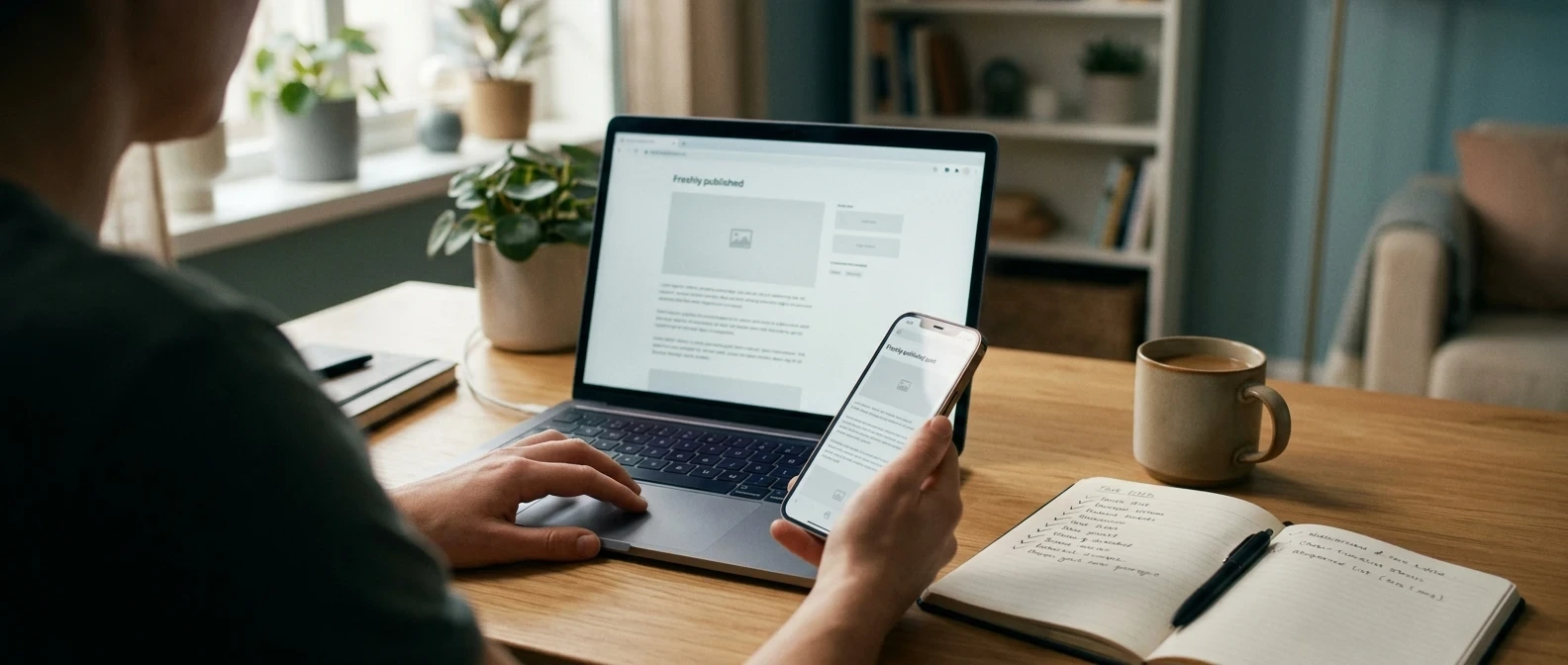
Open the public URL while signed out of WordPress. A draft preview can look fine while the published page has awkward spacing, a missing image, or a button that is difficult to use on a small screen.
Start with these five checks:
- The opening: Can the intended reader quickly tell what problem the article solves?
- The answer: Does the page deliver what its headline promises?
- The layout: Are paragraphs readable, tables usable, and text easy to distinguish from the background?
- The links: Do internal links and referral links reach the intended destinations?
- The recommendation: Are the fit, limitations, and financial relationship clear before the reader acts?
The FTC’s endorsement guidance explains why material connections need clear, conspicuous disclosure. A distant disclosure page alone may not give readers the context they need beside a recommendation.
For example, a beginner guide about choosing website training should explain who may benefit and who may already have enough resources. Readers should leave with a decision they understand, whether or not they click.
2. Separate Publishing, Indexing, and Results
A working public URL proves that your article is available on the web. It does not prove that Google has indexed it or that people are finding it through search.
For a site you manage, use Search Console’s URL Inspection tool to investigate the page’s indexing status. If it is eligible and you have the required access, you can request indexing.
Google says crawling may take days to weeks. A request does not guarantee inclusion, and repeatedly requesting the same URL does not speed up crawling.
Record what the tool reports. If there is a specific accessibility or indexing problem, address that problem or ask your provider for help. If you do not understand the report, keep the exact wording for your help request.
Set a date to review the status again. Meanwhile, continue work that improves the site for readers.
3. Match Your Next Action to the Evidence
It is tempting to treat every quiet report as a writing problem. Use the observation you actually have to choose the next check.
| What you observe | Useful next action | What it does not prove |
|---|---|---|
| The page will not open publicly | Check publication settings and ask the responsible provider for help. | That your niche is a poor choice. |
| The page is live but not indexed | Review the URL Inspection result and any stated issue. | That buying more content tools will fix it. |
| The page is indexed with little search activity | Keep building relevant material and review performance when more evidence is available. | That the headline alone caused the result. |
| A reader cannot find the answer | Move or clarify the answer and check it with that reader. | That the entire website needs rebuilding. |
| A referral link opens the wrong page | Correct the saved destination and test it again. | That readers rejected the offer. |
One comment can reveal a real usability problem. One visit, click, or quiet day cannot establish a dependable conversion pattern. Keep that distinction in your notes.
4. Ask for Feedback That Produces an Edit
Give a reviewer a small job. Ask them to identify the reader, explain the main answer, or point to the moment they became confused.
Try this request: “This article helps someone who has published their first affiliate post decide what to do next. After reading the opening and checklist, can you name the first action? Which instruction needs a clearer example?”
That response can help you improve a specific passage. General approval is pleasant, but it may leave you with no useful revision to make.
Use the first affiliate website help guide if you need to describe a technical or editorial obstacle. Keep account credentials and private customer information out of public questions.
Choose one change that directly helps the reader, apply it, and check the result. Google’s people-first content guidance supports evaluating usefulness, originality, and whether the reader can accomplish their goal.
5. Choose the Question Your Reader Will Ask Next
The next article should have a distinct job. Imagine someone completing the action your first page recommends. What decision or obstacle comes immediately afterward?
Here are three illustrative pairs:
- First article: How to choose a focused website audience. Next question: Which first article would help that audience?
- First article: How to publish a useful beginner guide. Next question: What should you check after publishing?
- First article: How to evaluate a free training platform. Next question: What evidence would justify paying for more access?
Write the new question in one sentence. Then compare it with your existing page: if both articles would give essentially the same answer, improve the existing one instead.
When the follow-up is published, link the pages where the connection helps a reader continue. Describe the destination clearly, such as “how to ask for feedback on your first website.”
Your First-Week Follow-Through Planner
Add this to your existing content planner. The schedule organizes your work; it is not a forecast of when traffic or income will arrive. Checkboxes are temporary—copy your notes or print the page to keep them.
Copy into your planner:
Published URL: ______
Reader and question: ______
Problem observed: ______
Change made and checked: ______
Next article question: ______
Next review date: ______
Would a Guided Platform Help You Keep Going?
Publishing one article gives you a more concrete way to evaluate training. You now know whether you need help choosing topics, understanding the website, organizing lessons, or asking better questions.
Wealthy Affiliate may be worth exploring if you want a guided environment. Bring one task into the evaluation and see whether the access available to you makes the next step clearer.
Checked October 8, 2026: The official pricing page lists a free Starter membership with no credit card required. Listed limits include one limited website, 4,000 one-time AI credits, standard AI models, limited support for seven days, and Phase 1 strategy access.
Do not assume free access includes the full training or ongoing support. Check the current offer and your account entitlements. This article reports public plan information; it does not claim a firsthand test of the platform.
Read the Wealthy Affiliate Starter evaluation guide before deciding. If your existing setup already supports your work, continue using it.
Consider a paid plan when you can identify a needed feature, understand the full charge and renewal terms, and comfortably afford it without expected commissions.
Referral disclosure: OnlineAffiliate.net may earn a commission if you later buy a qualifying membership through this link.
Explore Wealthy Affiliate Starter
Four-Question Knowledge Check
Choose your answer, then open the explanation. No sign-in is needed.
1. Your article is live. Does that mean Google has indexed it?
No. Publication and indexing are different. Check the page’s status in Search Console when available.
2. Should you request indexing repeatedly to speed things up?
No. Google says repeated requests for the same URL do not make crawling happen faster.
3. Which feedback helps more: “Looks good” or “I cannot find the first step”?
“I cannot find the first step.” It identifies something you can investigate, improve, and check again.
4. What is a sound reason to consider a paid membership?
A specific feature solves a real need within your budget. Quiet early traffic, urgency, and someone else’s income claim are not enough to establish that need.
Frequently Asked Questions
Should I change the title if nobody visits during the first week?
Correct a misleading or unclear title when you notice it. Low early activity alone does not establish that the title caused the problem. Check page access and indexing, then gather more evidence.
Should I share the article immediately?
You can share it where it answers a relevant question and the community allows links. Explain its usefulness, follow the group’s rules, and disclose a commercial relationship when relevant to the recommendation. Avoid posting the same promotion indiscriminately.
Do I need an affiliate link in every post?
No. An article can help readers understand a problem or complete a task without making a paid recommendation. Include a referral link when the offer is relevant and the relationship is clear.
Will joining Wealthy Affiliate bring visitors to my post?
Membership does not guarantee visitors or earnings. Evaluate it for the tools, learning, and access you need, and assess business results separately.
How do I know whether to improve this article or write another?
Fix a demonstrated problem first, especially a broken link, inaccurate claim, or missing answer. Once the page does its job, begin a distinct question for the same audience and schedule later reviews.
What Happened After You Pressed Publish?
Tell me in the comments: is your next challenge checking the page, understanding indexing, getting feedback, or choosing article number two?
Share the reader you want to help and the question you plan to answer next. Keep private account details out of your comment. Your question may help shape the next OnlineAffiliate.net guide.
