Most beginners who delay their first post are not lazy. They are comparing a half-built site to the finished sites they have seen, and the half-built one always loses. That comparison is the core of perfectionism when starting a website: you judge your day-one work against other people’s year-three work, and it feels like a reason to wait.
This article gives you an eight-point checklist for what makes a first page or post good enough to publish, a list of design chores to leave alone for 30 days, a single-pass rule for when to stop editing, and a 20-minute plan to put one unfinished page live today.
Quick Answer: When Is Your First Website Ready to Go Live?
Your website is ready to go live as soon as one page answers one specific reader question clearly, works on a mobile phone, backs up its factual claims, and discloses any commission links in plain language.
You do not need a custom logo, a finished color palette, ten pre-written articles, or extra plugins before hitting publish. In accordance with Google’s people-first content guidance, visitors and search engines evaluate whether your page solves the problem promised in the headline—not whether your sidebar or header graphic looks like an established media brand.
Why Your First Site Was Never Going to Look the Way You Imagine
The sites you admire have had many rounds of changes. Their layouts, images, and writing were adjusted over months or years, often by people who had published dozens of pages before they got there. You are seeing the result of that process without seeing the process.
Your first site will have plain spots, awkward sentences, and a layout you will want to change later. That is the normal state of a new site. The skills that produce a good site, such as writing clearly, choosing a topic readers care about, and organizing pages, only develop by publishing and looking at what you made.
There is also a practical point. A page that sits in drafts cannot be read by anyone and cannot be discovered or indexed through your XML sitemap. A page that is live but rough can at least start doing its job.
Infographic 1: The Day-One vs. Year-Three Comparison Trap
Why waiting until your site “looks established” keeps you stuck in private drafts.
The Polished Surface: Custom brand marks, refined typography, 100+ interlinked guides, and custom comparison graphics.
What Was Hidden: Dozens of early drafts that launched with plain text headers, default themes, and simple layouts before earning a single visitor.
The Functional Core: A plain text site title, one readable default theme, and one published page answering one real question.
The Immediate Payoff: Search engines can crawl the URL, real mobile formatting becomes visible, and the psychological barrier of publishing breaks.
The Three Places Beginners Get Stuck (and Why Each One Feels So Urgent)
I remember being stuck on a logo and a theme, and I know how reasonable it felt at the time. Those two, plus the first post itself, are where most beginners stall.

1. The Logo
A logo feels like the face of the business, so it seems like something that must exist before you open the doors. In practice, a new site with no visitors has nobody looking at its logo. Readers decide whether to stay based on whether the page answers their question. A text title at the top of the page does the job until you have something better.
2. The Theme
Themes are easy to browse, and browsing feels like progress. Each preview shows a polished demo site full of professional photos, so your own empty site looks worse by comparison. The demo is filled with content and yours is not, which is the whole difference. Almost any clean, readable theme will serve a first site. As WordPress.org’s official theme documentation notes, your posts and pages remain intact in the database when you switch themes later.
3. The First Post
This one feels urgent for a different reason: it is the first piece of writing that has your name on it. Every sentence seems to carry weight. Beginners often rewrite the opening paragraph many times, then decide the topic was wrong and start over. The fear is that a weak first post will be permanent. It will not be. You can edit, expand, or delete any post after it goes live.
A “Good Enough to Publish” Checklist for a First Page or Post
Use this list on your first piece and on the ones after it. If every item is a yes, the piece is ready. (For a deeper dive into pre-publish verification once you start adding product recommendations, bookmark Is Your First Affiliate Post Ready? 7 Checks Before Publish.)
- It answers one specific question. A reader should be able to say in one sentence what the page helps with. If you need two sentences, the page probably covers two topics.
- The title says what the page covers. Plain beats clever. A title that matches what someone would type into a search box is easier for both readers and search engines to understand.
- The facts are ones you can stand behind. If you mention a price, a feature, or a result, check it against the primary source. If you cannot check it, leave it out.
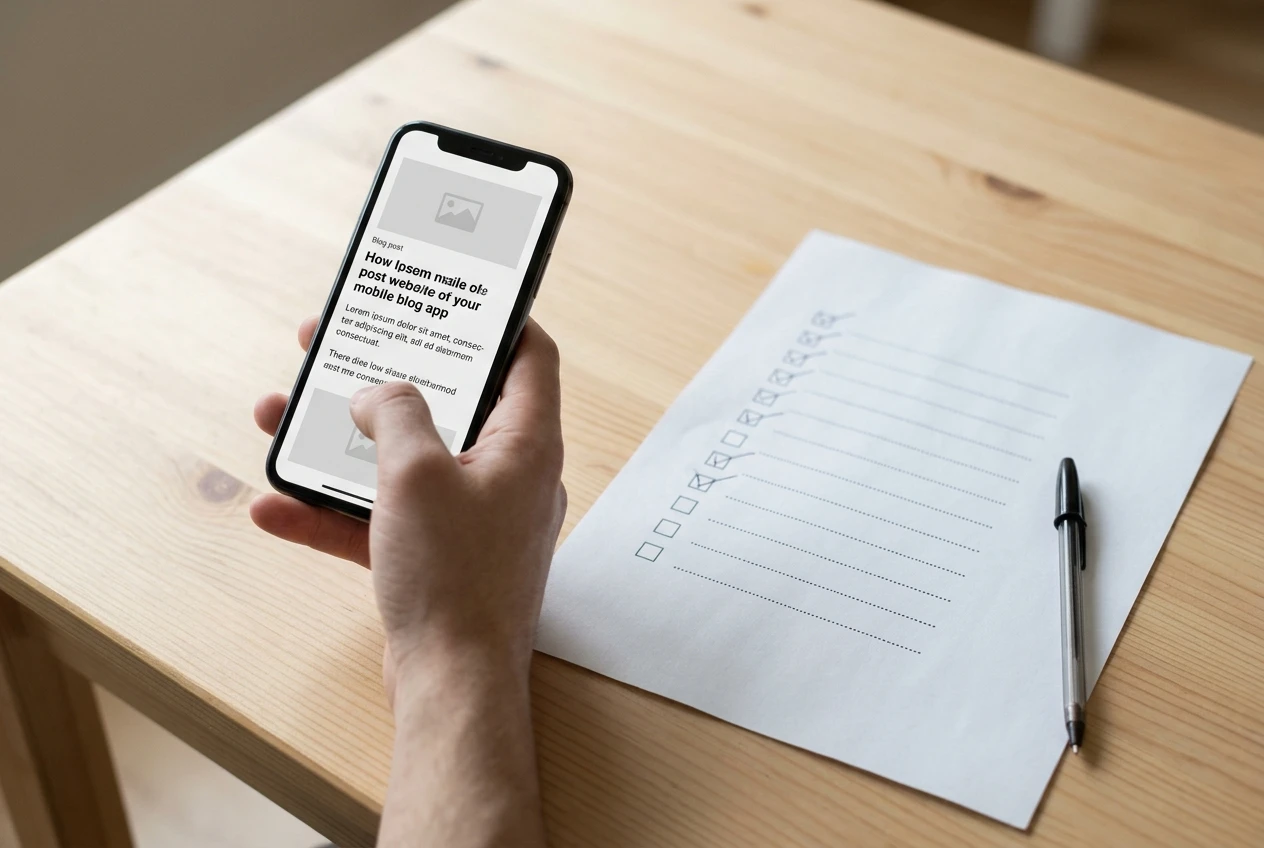
- It reads cleanly on a phone. Open the preview on your phone. Paragraphs should be short, headings should be visible, and nothing should run off the screen.
- You have read it aloud once. Reading aloud catches missing words, repeated words, and sentences that run too long. Fix those and move on.
- Every link works. Click each one, including any affiliate link. If a link goes to the wrong place, readers lose trust quickly.
- Affiliate relationships are disclosed. If you earn a commission when someone buys through your link, say so in plain words near the link and near the top of the page. Follow the FTC’s Endorsement Guides FAQ and 16 CFR Part 255 by keeping the wording clear and unavoidable.
- There is a next step for the reader. That might be a link to a related post or a suggestion of what to read next. A page that just ends leaves the reader to decide what to do.
Notice what is not on the list: a custom graphic, perfect formatting, a certain word count, or a sense that the writing is brilliant. If you are writing a product review, the post on how to write your first product review like you’re advising a friend shows a structure you can follow without overthinking it.
Comparison: What to Fix Today vs. What to Leave Alone for 30 Days
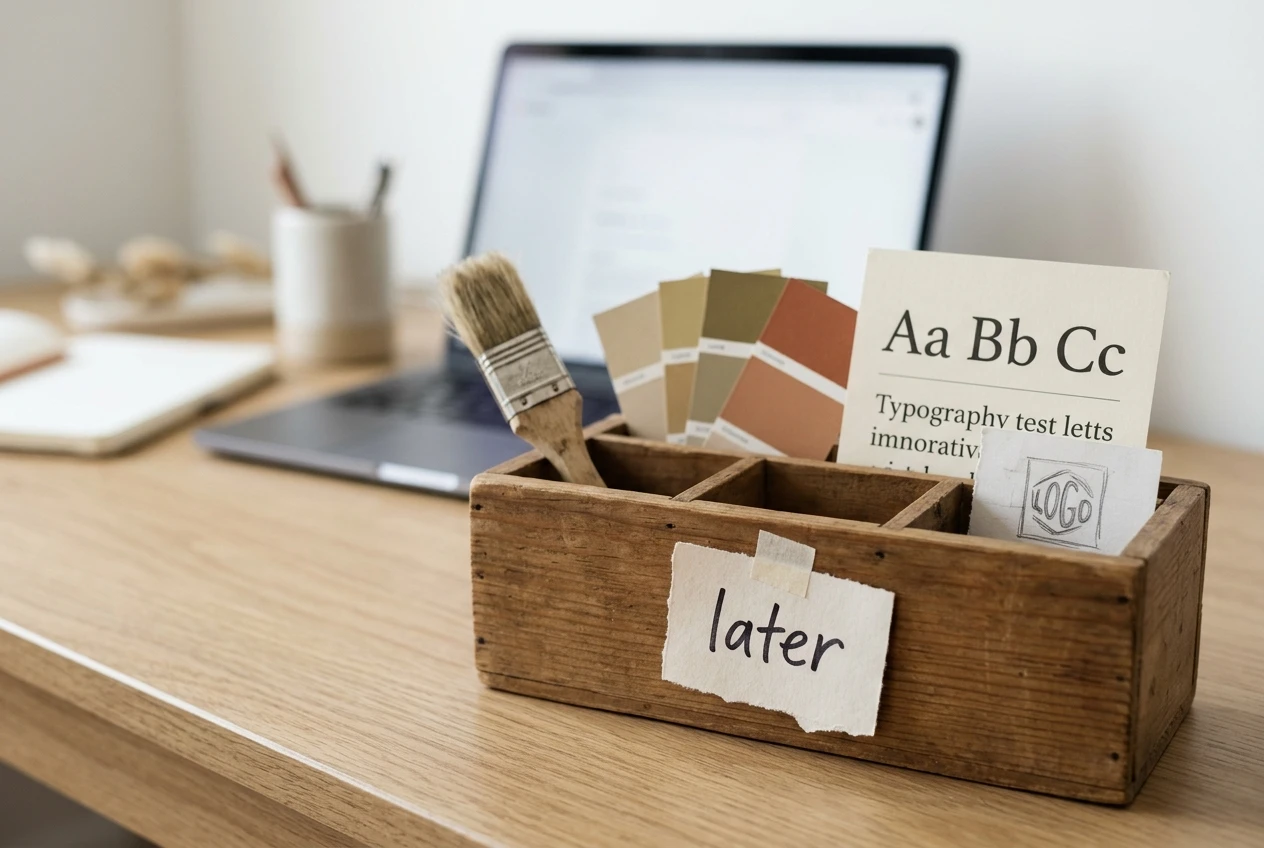
Some tasks feel productive but do not help a site with no readers yet. Put these on a “later” list and do not touch them for the first 30 days:
- The logo. Use your site name as text.
- Changing themes. Pick one readable theme and keep it. Every switch means rechecking how your pages look.
- Colors and fonts. The default settings are fine. Small adjustments take a lot of time and change very little for a reader.
- Rearranging the menu. Keep it short with a few clear links. You can restructure once you have enough posts to need a different layout.
- Extra plugins and add-ons. Each one adds something to maintain and can slow down or break the site. Add one only when you have a specific problem it solves.
- Social media banners and profile polish. They matter little until you have content to share.
- Deleting and restarting. A weak first post teaches more by being improved than by being thrown away.
| Website Task | Impact on First-Time Reader | Day-One Rule | When to Revisit |
|---|---|---|---|
| One Clear Topic & Headline | High — tells visitors immediately if the page solves their problem | Required before hitting publish | Review title clarity after 30 days of search data |
| Verified Facts & Disclosures | High — protects reader trust and meets FTC disclosure rules | Required before hitting publish | Verify every time you update a product detail |
| Mobile Readability & Working Links | High — ensures visitors on phones can read and tap links cleanly | Required before hitting publish | Spot-check on your phone after each new post |
| Basic SEO Title, Meta & Sitemap | Medium — helps search engines index the URL accurately | Set once in AIOSEO (2 minutes) | Refine after your first 5 to 10 published posts |
| Custom Logo, Colors & Fonts | Near Zero — nobody judges a new site’s font pairings on day one | Park in the 30-Day “Later” Box | After 30 days or 4+ published helpful articles |
| Theme Switching & Extra Plugins | Negative if overdone — creates layout rework and maintenance drag | Park in the 30-Day “Later” Box | Only when a specific reader problem requires it |
None of the deferred items are wrong to do eventually. The point is order: writing and publishing come first, appearance second. If you want a fuller view of what a first month actually requires, the only tools you need in your first month online covers what to use and what to skip, and you don’t need an affiliate program yet explains why helpful content comes before monetization applications.
A Simple Rule for Knowing When to Stop Editing and Hit Publish
Editing has no natural end, because there is always another sentence to adjust. So set the end in advance with this rule:
The Single-Pass Publish Rule: Run the checklist once. If every item is a yes, publish.
If an item is a no, fix that specific item and nothing else. Then run the checklist again. Any change that does not affect a checklist item—such as swapping a synonym, rewording a sentence that already works, or moving a paragraph for no reason—waits until after the page is live.
Two limits help keep your editing bounded:
- One read-through after the checklist. Read the piece once from top to bottom. Fix factual or grammatical errors only.
- A strict time limit. Decide before you start how long the final edit gets. Thirty minutes is plenty for a first post (especially if you follow our guide on how to build an online business in 30 minutes a day). When the time is up, publish.
If you notice yourself reopening the post for the third or fourth time with no error to fix, the problem is nerves, not quality. Publishing is the cure for that.
Infographic 2: The Single-Pass Publish Gate
Use this three-step gate whenever you feel tempted to rewrite a finished draft for the fourth time.
What a Published but Imperfect Site Teaches You That a Polished Draft Never Will
A draft can only teach you how to polish a draft. A live site shows you things you cannot learn any other way.
You find out how the page looks on a real phone, not in an editor preview. You see how long it takes to go from idea to published, which helps you plan the next post. You learn which parts of publishing confuse you—whether that is adding images, setting categories, or placing links—and you can fix those while the stakes are low.
You also start building a record of pages. Search engines can only index pages that exist, and a new site often takes time to show up in results, so a page published today starts that process sooner. If you use a WordPress SEO plugin like All in One SEO (AIOSEO) (which has a free version in the WordPress.org plugin directory as well as paid tiers), it automatically updates your XML sitemap when you publish and gives you a quick page-level check for your SEO title and meta description so you do not have to guess at formatting.
Readers, when they arrive, can only respond to what is live. Their questions, and what they click on, will tell you more about what to write next than any amount of private tweaking.

Finally, you learn that nothing broke. Most beginners fear that publishing something rough will embarrass them. Once the first post is live, that fear usually shrinks, and the second post takes less effort than the first.
Comparison: Two Low-Friction Ways to Put Your First Page Live
If technical setup is the reason your first article is still sitting in a notes app, pick the environment that matches your current stage rather than overbuilding a software stack:
| Setup Option | Best For | Upfront Cost | How It Helps You Publish Faster | Key Trade-Off to Know |
|---|---|---|---|---|
| Wealthy Affiliate Starter Practice Site | Beginners testing the workflow before buying hosting or a domain | $0 Starter account (no credit card required) | Gives you 1 practice WordPress site, a first Hub, and step-by-step lessons so you can publish a test page without configuring servers | Starter is a limited evaluation account (1 practice site and 4,000 starter AI credits); verify current terms before upgrading |
| Self-Hosted WordPress + AIOSEO | Beginners who already own a domain and WordPress hosting | Hosting/domain cost + free AIOSEO Lite (or paid Pro upgrade) | Handles XML sitemaps, SEO title length checks, and meta descriptions inside the WordPress editor so you can hit publish with confidence | You manage your own hosting, backups, and plugin updates; a plugin improves technical clarity but does not guarantee rankings |
Want a Guided Practice Environment for Your First Page?
As shared in How I Started My Online Affiliate Business with Wealthy Affiliate, having a single workspace for training, WordPress hosting, and community feedback can remove the early technical guesswork. You do not need to pay upfront to see if the workflow fits you: use the free Starter account to draft and publish one helpful page, or pair your existing WordPress site with All in One SEO (AIOSEO) to automate your sitemaps and on-page meta checks.
Referral disclosure: Both buttons below are affiliate links that open in a new tab. If you later purchase a qualifying membership or plugin plan, OnlineAffiliate.net may earn a commission at no additional cost to you. Tools and training do not guarantee traffic or income.
Your Next 20 Minutes: Pick One Unfinished Thing and Ship It
You do not need a free weekend or a calmer mood. Here is a 20-minute plan:
Infographic 3: The 20-Minute “Ship One Page” Sprint
Set a timer for 20 minutes and follow these four blocks without opening your theme customizer.
1. Pick One Draft
Choose the page or post closest to done—not the one that feels most important.
2. Fix Only “No” Items
Run the 8-point checklist once and repair only the items that fail.
3. Read Aloud & Phone Check
Read from top to bottom once and preview paragraph spacing on your phone.
4. Publish & Test Links
Press Publish, confirm the live URL loads, click every link, and close the tab.
Once your live links work, close the editor. Do not go back and adjust the colors. The logo and the theme will still be there next week, and they will be easier to decide on once you have real pages to look at.
Interactive Planner: Your 20-Minute Launch & 30-Day “Later Box”
Tick each readiness check below during your 20-minute publishing session, then copy the planner template into your notes folder to track your first 30 days. (Checkboxes are for your current browser view and are not stored on a server.)
Four-Question Interactive Knowledge Check
Test your launch readiness before you return to your WordPress dashboard. Click any question below to reveal the answer.
1. Why does a brand-new WordPress site almost always look worse than the theme demo you previewed?
2. Under the 8-point checklist, which of these issues should actually stop you from pressing Publish today?
3. How does the Single-Pass Editing Rule handle a sentence that already works, but could be reworded with a different synonym?
4. What is the most practical way to handle technical SEO checks on your first WordPress posts without stalling for weeks?
Frequently Asked Questions About Publishing Before You Feel Ready
Will publishing a rough first post hurt my website’s long-term Google rankings?
No—as long as the page is accurate, original, and genuinely answers the reader’s question. Google’s people-first content documentation evaluates helpfulness and reliability rather than fancy visual polish, and you can refine formatting or expand sections at any time after the URL is indexed.
What happens to my published articles if I change my WordPress theme after 30 days?
Your posts, pages, and uploaded images stay safely stored in your WordPress database when you switch themes. As explained in the WordPress.org theme guide, activating a new theme changes the presentation layer, which is why waiting until you have several real posts makes choosing a theme much easier.
Do I need an affiliate link in my very first blog post?
No. Many strong first posts are pure problem-solving guides with zero commercial links. As we cover in You Don’t Need an Affiliate Program Yet, building the habit of answering reader questions comes first; you can add relevant, properly disclosed recommendations later.
Can I practice publishing on WordPress without paying for web hosting first?
Yes. You can follow our 7-Day Beginner Test or open a free Wealthy Affiliate Starter account, which includes one practice WordPress site with no credit card required so you can rehearse the entire draft-to-publish workflow before committing money.
How do I make sure Google knows my first post is live?
Make sure your site’s privacy settings allow search indexing, link to your new post from an existing page, and use an SEO plugin like All in One SEO (AIOSEO) to generate an automatic XML sitemap that you can submit once in Google Search Console.
Pick one unfinished page or post today and publish it as it is, then read Start Here: Find Out If Affiliate Marketing Is Right for You Before You Spend a Dime to see what to work on next.

Join the Discussion: Which of the Three Bottlenecks Is Holding Up Your Site?
Before you click away, tell me in the comments below: Are you currently stuck on your logo, your WordPress theme, or your first post draft—and what is the one question your next unfinished page answers?
Share the topic (keep private account details out of your comment), and let’s get that page out of your drafts folder this week.