What a first month online really asks of you (and what it doesn’t)
The first 30 days of a content-based affiliate business come down to one job: publish your first pieces of content on a site of your own. You pick a topic, set up a place to publish, write a handful of helpful articles, and see how it feels. That is the whole assignment.
This matters for choosing tools for beginners starting an online business, because every tool should pass one test: does it help me publish my next piece of content? If it does, it earns a place. If it only promises to help later, when you have an audience, a product, or a list of subscribers, it can wait.
Most of the money beginners lose early goes to tools meant for people further along. Sorting everything into three groups keeps that from happening:
- Need now: the few things you cannot publish without.
- Free is fine: tools where the free version does everything a beginner needs.
- Skip for now: tools that solve problems you do not have yet.
A computer, an internet connection and a notebook: the real starting kit
You need a computer you can type on comfortably, a reliable internet connection, and somewhere to write down ideas. That list is complete.
A laptop or desktop is better than a phone for this work. You can read and research on a phone, but writing a 1,000-word article, formatting it and managing a website is slower and more frustrating on a small screen. Any computer that runs a modern web browser smoothly is enough. Buying a new one before you have published anything is a purchase you can postpone.
The notebook can be paper or a notes app on your phone. Use it for three things:
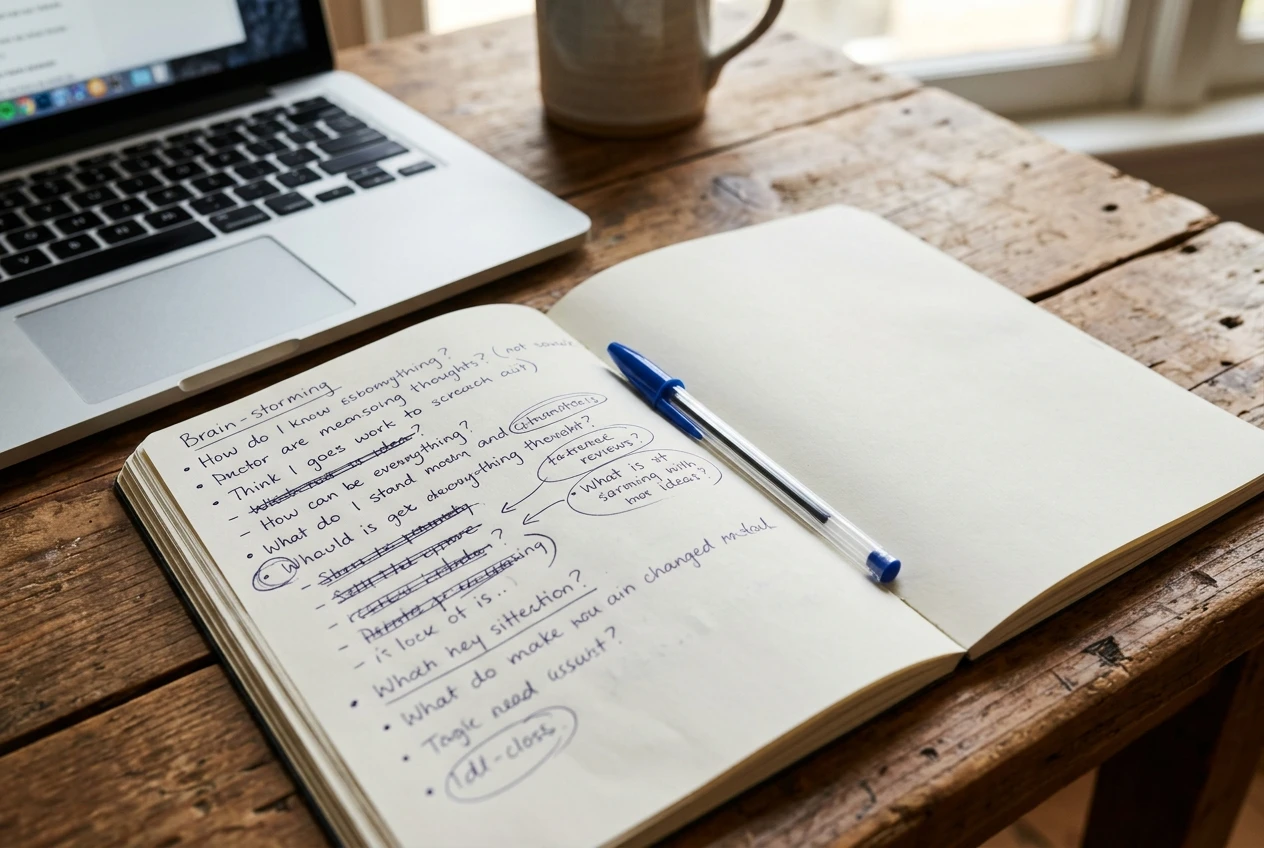
- Questions a beginner in your topic might ask, which become article ideas.
- Rough outlines you jot down before you sit down to write.
- Things you notice while researching that you want to come back to.
A notebook costs almost nothing and does not need a login or an update. Keeping your ideas in one place also means you never start a writing session with a blank page.
A place to build your website, and why it’s the one tool worth paying attention to
Your website is the one item on the list that is not interchangeable. Everything else you do in the first month feeds into it. Your articles live there, your readers find you there, and any affiliate links you add sit inside content you control.
Social media accounts can work alongside a website, but a post on a social platform sits on a service you do not run, and it tends to scroll out of sight quickly. A website holds your articles in one place where they can keep being found.
When you compare ways to build one, judge them by beginner needs:
- Can you publish without learning to code? You should be able to write an article in an editor and press publish.
- Is hosting included or simple to arrange? Setting up hosting separately is a detour for someone just starting.
- Can you test it before paying? A free way to try the platform tells you whether it suits you before any money leaves your account.
- Is there guidance close at hand? A first-time site owner will have questions, and training in the same place as the tool saves hours of searching.
Notice what is not on the list: fancy themes, dozens of plugins, or custom design. Your first month is about getting articles live. A plain, readable site is good enough to start, and you can improve its look once there is content worth improving around.
If you are still deciding what your site should be about, the guide on how to pick your first affiliate niche will help you settle that before you build anything.
Free writing and research tools that do the job
Writing tools are where beginners overspend most often, because it feels as though better software should produce better articles. It does not. Clear writing comes from knowing your reader’s question and answering it directly.
A free word processor such as Google Docs is enough. It saves automatically, checks spelling, lets you see word counts, and keeps your drafts in a folder you can reach from any device. Writing the draft there first, then pasting it into your website editor, also protects you if the site has a problem mid-session.
For research, a search engine and your own curiosity go a long way. Type your topic into a search engine and read what appears on the first page. Look at the questions listed under “People also ask,” and at the headings other articles use. This shows you what readers want to know and which points your article needs to cover. Write your own explanation in your own words rather than copying.
If you want an extra check on your writing, a free grammar checker built into your browser or word processor catches typos. Treat its suggestions as suggestions. It cannot tell whether your advice is accurate or useful, so your own read-through remains the real edit.
Paying for a writing subscription before you have written ten articles means paying to speed up a process you have not yet experienced. Write a few pieces slowly first. You will then know where you actually lose time.
Free image and design tools for non-designers
Articles read better with a few images, and beginners tend to assume this requires design skills. It does not require much.
A free design tool such as Canva’s free plan lets you make simple featured images, screenshots with arrows or highlights, and basic graphics from templates. Pick one template style and reuse it so your site looks consistent without extra effort.
For photographs, free stock photo libraries such as Unsplash and Pexels offer images you can use on a website. Always read the license terms on whichever library you use, because rules about attribution and use can differ. Your own screenshots and photos are also fine when they show something relevant to the article.
Keep your image routine short. A featured image and one or two supporting images per article is plenty. Spending an hour on a logo in your first week is an hour not spent writing. A simple text-based site name looks fine until you have a reason to invest in branding.
Keeping track of your progress without a fancy dashboard
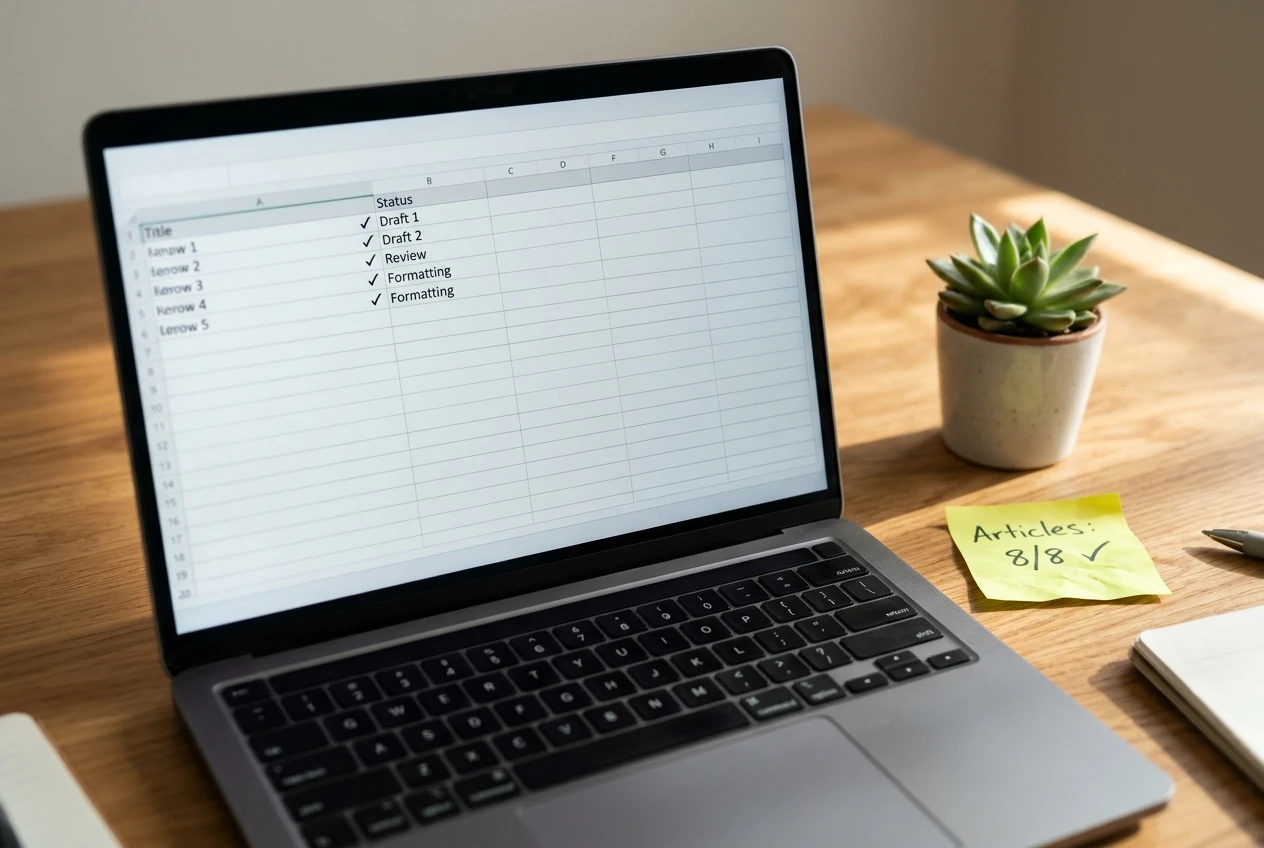
You can track a first month with a single spreadsheet. A free spreadsheet tool such as Google Sheets handles it.
Make one sheet with these columns:
- Article title
- Target topic or keyword
- Date drafted
- Date published
- Link to the published post
- Notes (what to improve next time)
This list shows at a glance how many pieces you have published and which ones still need work. A running count is more motivating than any chart, because each new row represents something you finished.
Analytics and traffic dashboards matter later. In the first 30 days, a new site has few visitors, and watching the numbers can be discouraging without telling you anything useful. Your measure of progress this month is how many articles you published and how clear they are.
The tools beginners buy too early and can safely skip
These tools all have honest uses. They simply solve problems a site with no content and no visitors does not have yet.
- Email marketing software. An email list is worth building once readers are visiting regularly. With a brand-new site, there is no one to email yet.
- Paid keyword research and SEO suites. These are built for people managing many pages and competing in crowded topics. Searching your topic by hand and reading the results covers a beginner’s needs.
- Paid AI writing subscriptions stacked on top of each other. Writing your first articles yourself teaches you your topic and your voice. Add tools later if you find a specific bottleneck.
- Logo and branding packages. A readable site name is enough until the site has content and readers.
- Social media schedulers. Scheduling posts saves time only when you have content worth spreading across several accounts.
- Funnel builders and landing page software. These suit people selling a specific offer to a warm audience, which is not where a first-month site stands.
- Expensive courses and course bundles. Paying a large sum for training before you know whether you enjoy the work is a bigger risk than any tool. A way to try training free of charge, covered below, lowers that risk.
A useful habit is to ask, before any purchase, “Which article will this help me publish this week?” If you cannot name one, close the tab and write instead.
A simple 30-day tool checklist to keep your costs near zero
Here is the whole toolkit in one place, in the order you will use it.
Week 1: set up
- A computer with a browser and a working internet connection
- A notebook or notes app for article ideas
- A free way to try a website-building platform
Weeks 1 to 4: publish
- A free word processor for drafting
- A search engine for researching what readers ask
- A free design tool and free stock photo library for images
- A free spreadsheet for tracking published articles
Not yet
- Email software, paid SEO suites, schedulers, funnel builders, logo packages, stacked subscriptions
If you follow this list, your first month can cost close to nothing beyond what you already have, and you will end it with real articles online, which is more useful than any software.
Try the website and training before spending anything
If you want the website and the guidance in one place, take a look at how a Wealthy Affiliate Starter membership lets you try the platform’s website building and training for free before you decide to spend anything. That makes it a low-risk way to find out whether building a content site suits you.
If you would like the honest pros and cons first, read why I chose Wealthy Affiliate for my business and who it wouldn’t suit before you sign up.
