
You open the dashboard before work. Three posts are live on your new affiliate site, and the visitor count is still at zero. Before you rewrite all three, pick one URL. Google might still be deciding whether to index it. Or it might have shown the page to searchers who kept scrolling.
Why is your new affiliate site getting so little traffic?
Check one post in Google Search Console. URL Inspection tells you whether Google has indexed it. Performance tells you whether it has recorded impressions or clicks for that page. If the URL is outside the index, look for the reason. If the page has impressions and few clicks, check the queries and positions before changing the title.
What happens after you publish?
A public post is available through its link as soon as it’s live. Google has its own process for finding and showing it in search.
- Crawling. Google can discover the URL through a link or sitemap and try to fetch the page.
- Indexing. Google examines the page and may add it to its index, the collection of pages it can draw on for search results.
- Serving results. Google chooses which pages to show for a particular search. An indexed page is eligible to appear. Look for recorded impressions to see whether it has appeared.
These steps can move at different speeds. Google says crawling after a request can take a few days to a few weeks. You can track what happened to a specific page while you work on other parts of the site. How Google Search works · Google’s recrawl guidance
Check one URL in Search Console
Start in the verified property for your site. Open Google Search Console.
- Open the post while signed out. Copy the final URL from your browser after the page loads. Start with a post you expect people to be able to find in search.
- Paste the URL into URL Inspection. If it says URL is not on Google, expand Page indexing to read the reason. If Google has selected another address as its main version of the page, inspect that address too.
- Open Performance → Search results. Keep the search type on Web, filter by the page URL, and record impressions and clicks for the last 28 days. Search Console usually reports these metrics under Google’s chosen main URL, called the canonical URL.
- Look at Queries. If the report lists search terms, look for ones your post answers. Glance at Average position for context and give small counts room to accumulate.
An impression is a recorded appearance of a link in search results. A click is someone following the link from Google Search. Your site analytics can also record visits from email, social media, and other sites. URL Inspection help · Search performance report · How Google’s reports measure traffic
What should you do with the result?
URL is outside the index
Read the reported reason. If a public post has an unexpected noindex instruction, check the post’s SEO settings. If several posts show it, go to WordPress Settings → Reading and check whether Discourage search engines from indexing this site is selected.
Indexed with zero impressions
Confirm the property, URL filter, and dates. Then read the title and opening. Can you tell which search question the post answers? Look for a useful link to it from a related article.
Impressions with few clicks
Check query relevance, position, and how many impressions you’re working with. When a clear pattern emerges on relevant searches, see whether the title and opening deliver what those searches suggest readers want.
If Google reports that it crawled the page and hasn’t indexed it, check for overlapping pages and make sure this post answers a distinct question. After fixing a problem, use Test live URL to recheck accessibility. If it passes, you can request indexing. Google’s indexing status guide · WordPress search visibility settings
Seeing search clicks while your site dashboard still says zero? Compare the date ranges and verify that your analytics can record a visit to that post. Google counts the click in search, and your analytics count activity on the site.
What 26 impressions and zero clicks can tell you
Imagine you wrote a guide called “Choosing a Clamp-On Desk Lamp.” It is indexed, and Search Console shows 26 impressions and zero clicks over 28 days. One query you can see is “clamp lamp for thick shelf.” When you reread the guide, you find four paragraphs about brightness before anyone learns how to check whether the clamp fits.
Twenty-six impressions give you little evidence about why people skipped the link. The query does give you a real question to check against the draft. Move the measurement step near the top. Show readers where to measure the shelf, then have them compare that thickness with the lamp’s listed clamp opening.
If most of the guide now helps with fit, try an SEO title such as Will a Clamp-On Desk Lamp Fit Your Shelf? and a meta description such as “Measure your shelf and compare it with a lamp’s clamp opening before you buy.” Record the date you changed the post and revisit the same URL on your next review.
Update the preview in WordPress
If you use AIOSEO, open the post’s AIOSEO Settings, enter the SEO title and meta description, and check the search preview. Google can display a different title or snippet for a given search. AIOSEO’s title and description instructions
Affiliate disclosure. OnlineAffiliate.net may earn a commission if you make a qualifying purchase through this link. Explore AIOSEO for WordPress.
Build the next article from the first one
Once you’ve helped someone check whether a clamp fits their shelf, what might they ask next? They may need to know where to position the lamp on a narrow desk. Write that as its own answer and link the two guides where a reader needs the other one. The links also give Google another route to discover your pages. Google’s guidance on internal links
With half an hour available, use it to finish one check or one edit. Put the follow-up question in the Five-Post Launch Planner and give it a writing session of its own. If you’re fitting the work around a job, try the 30-minute publishing routine.
Keep a weekly note for one page
Copy these lines into your notebook. Use the same URL and search type when you compare periods.
- Post URL and date checked
- Indexing status and any reason Search Console gives
- Date range, impressions, clicks, and a relevant query if shown
- One change I made or one thing I’ll check next
If you’re looking for a trend, compare the last 28 days with the previous 28 days once the page has been live for both periods. With very few impressions, use a longer window and treat the first numbers as a starting point.
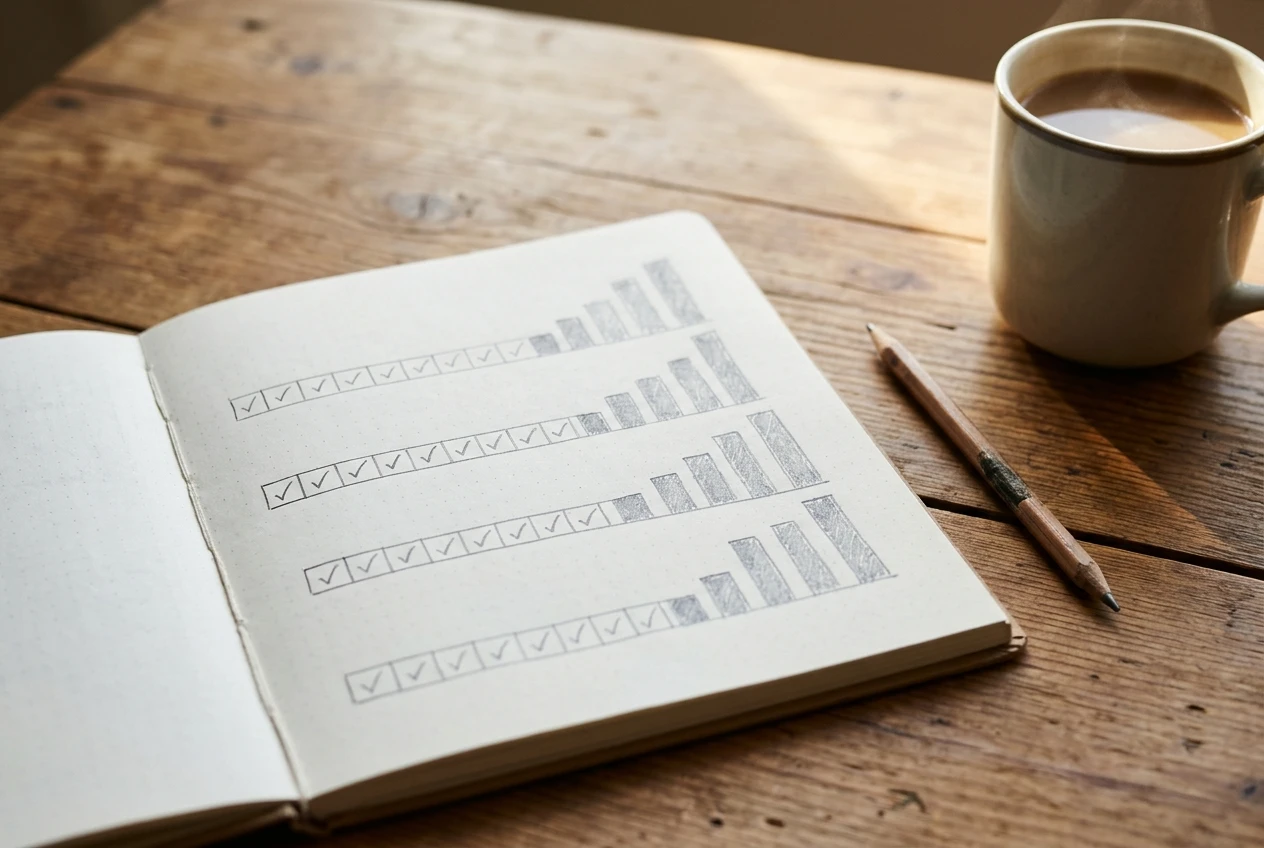
Keep an eye on earnings in your affiliate program’s report. For this weekly check, use the page notes to decide what to fix, what to link, or which question to answer next.
Four-question knowledge check
Think through each situation, then open the answer.
1. A post opens in your browser. Where do you check whether Google has indexed it?
Paste its exact address into URL Inspection. Opening it in a browser confirms the public page loads.
2. Your post has impressions and zero clicks. What has Google recorded?
Appearances in search results for the selected period. Look at the queries, position, and sample size before deciding what to edit.
3. Several public posts report an unexpected noindex. What do you check?
Check WordPress’s site-wide search visibility setting and your SEO plugin’s settings for posts. A setting that applies to all posts could explain the pattern.
4. An older post answers a related question. Where can you help readers find the new one?
Add a link at the point in the older post where the new guide would help them take the next step.
Frequently asked questions
How long does a new affiliate site take to get traffic?
There’s no set timetable. Search traffic depends on whether pages are indexed, the searches they can answer, and where they appear. A reader can arrive through a direct link, email, or social post before your first Google Search click. See where website visitors can come from.
Why do I see impressions when the Queries table is empty?
Google withholds some search terms for privacy. Those impressions can still be included in chart totals when you haven’t applied a query filter. See how Search Console handles query data.
Should I request indexing every week?
Use a request when you publish or make a meaningful fix to a priority URL. Google says repeated requests for the same URL won’t get it crawled faster. The Page indexing report can help when several public pages keep showing the same issue.
Which result did you see?
Pick one post and check it today. In the comments, share its indexing status, impressions, and clicks for the period you checked, or tell us which report you’re having trouble reading.
